How can we help you?
Press
My Patient Profile
Patient's personal profile
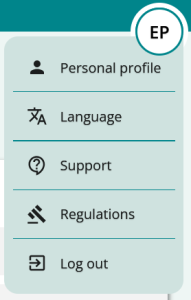
Log in to the platform with your credentials. You’ll see the HOME page and a logo with your initials in the top right corner:
- Click on the logo with your initials: you will see the options
- Personal profile
- Support
- Regulations
- Exit
- click on
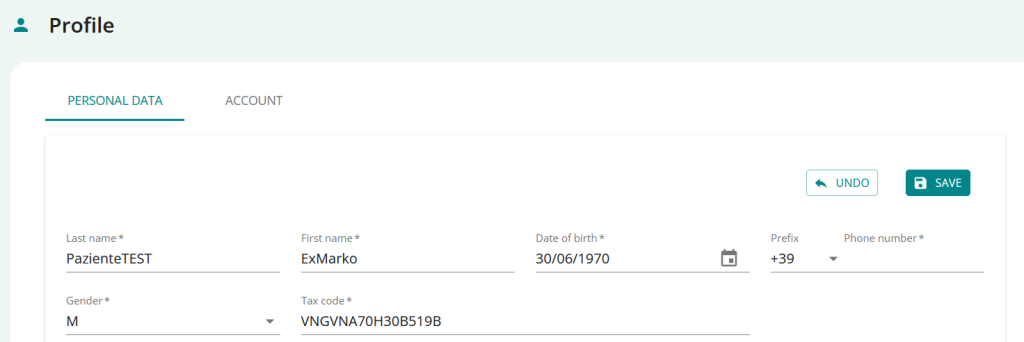
and access your profile section: you will immediately see your personal data sheet
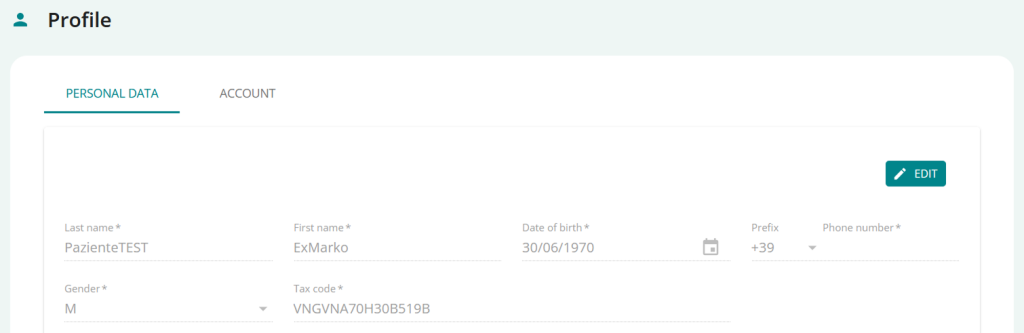
Personal data
Click on PERSONAL PROFILE:
Account credentials
Click on PERSONAL PROFILE and on the page select the ACCOUNT CREDENTIALS section
- view the reference card for your credentials
- selectRESET YOUR PASSWORD, if you need to change your password
- You will be sent an email containing a link through which you can reset your password.
- selectREQUEST YOUR DATAif you need to request your data
- You will be put in contact with the specific support team for this operation.
- selectREQUEST ACCOUNT CANCELLATION, if you need to close your account
- You will be put in contact with the specific support team for this operation.
- Click any menu item to change sections and exit your Personal Profile.
Support
Click on SUPPORT and you will see the online support page; here you can
- find the information you need
- Select the section you are interested in and access detailed support for your area
Regulations
Click on REGULATIONS and you’ll see the online page dedicated to industry regulations, respected and shared by PsyCare; from here you can:
- view what is reported in theCode of Ethics of Italian Psychologists
- view theGuidelines for remote psychological services
Summary