
How to start an online group session
- from the Home Page
- from the Main Menu
- from the invitation email you receive.
Your therapist will invite you and add you to the group: you will see it directly on your Home page in PsyCare.
Starting a group session from the Home Page
As a patient, log in to the platform with your registration credentials.
On your HOMEPAGE, simply click on GROUP SESSION to start group therapy (in the displayed group).
It’s really simple!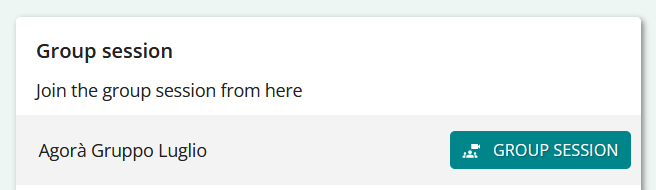
Starting a group session from the Session List
As a patient, log in to the platform with your registration credentials.
In the side menu, find ONLINE SESSIONS and access the section. Here you’ll find two sections:
– List of individual sessions (which you can see immediately upon logging in)
– List of group sessions
- Click on GROUP SESSIONS and view the respective list.
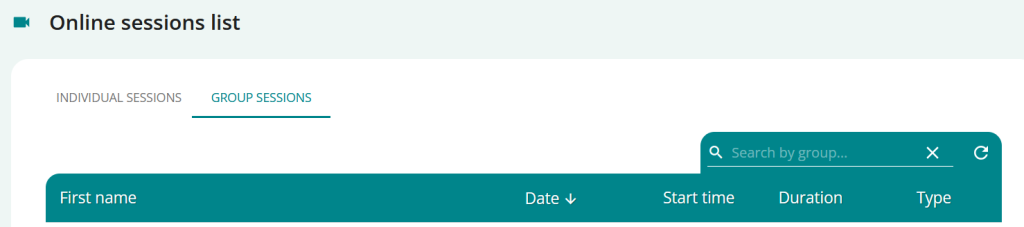
To start a session for a group you see in the list:- click directly on the icon
 and you will be in the group waiting room
- click directly on the icon
Starting a group session from the invitation email
When your therapist places you in a group, you’ll also receive an email informing you of the group and always having a direct link to your PsyCare page.
- Open the invitation email your therapist sent you.
- click on
 that you see in the email
 - Proceed directly to log in to your page (you will only have to enter your login credentials), you will be redirected directly to the waiting room of the online group session
