
As a signing patient, you will receive an email to confirm and complete the signature process digitally.
From your email, you can proceed with the digital signature in just a few quick steps:
- Open the digital signature invitation email
- Click on
 that you see in the email you received
 - You will access the dedicated section, click on START

- Scroll the document up to the signatures (this step is essential to proceed)
- Click on
 that you see at the bottom right
- Enter the code you receive via SMS on your mobile phone
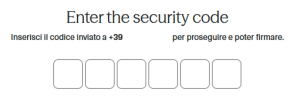
- Proceed with signature
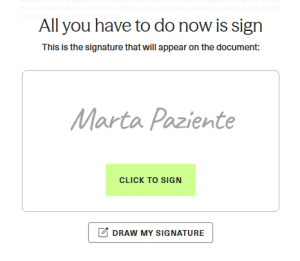
- Enter the code you receive via SMS on your mobile phone
- The signing process is complete.
- Your documents are signed in accordance with the law!
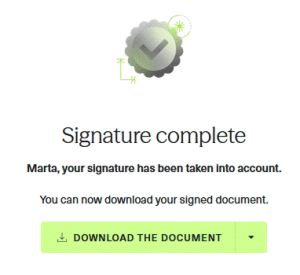
You can download signed documents immediately or later from the Signed Documents section in PsyCare.
