My therapist
Accessing the profile from the Home screen
- Log in to the platform with your registration credentials and on the HOME page you will see the section dedicated to the therapist:
- You view
- your main data (Name and Surname)
- his main contacts (email, mobile and landline)
- You view
- Click onSee Profileand go directly to his profile section:
- Here you can see the sections
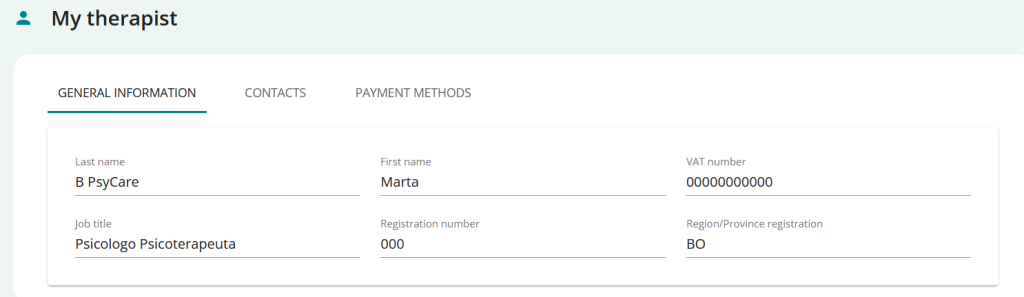
- Click onGENERAL INFORMATION > View your therapist’s professional data and information about the practice
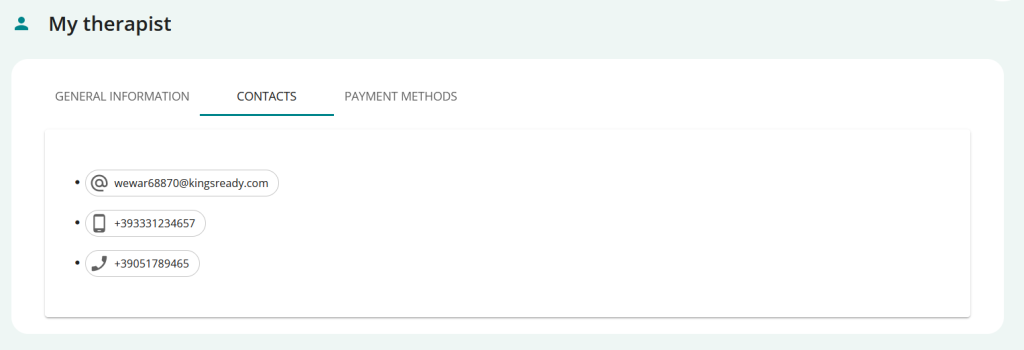
- Click onCONTACTS > View your therapist’s contact information (email, phone number)
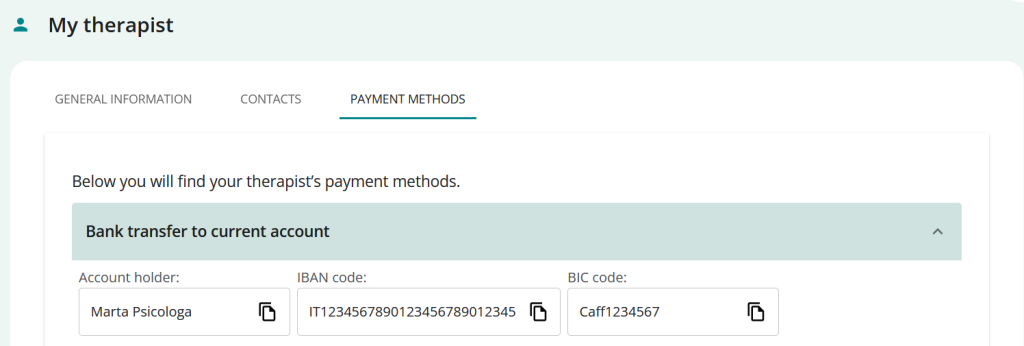
- Click onPAYMENT METHODS > view the payment methods entered by your therapist
- Click onGENERAL INFORMATION > View your therapist’s professional data and information about the practice
- Here you can see the sections
Access the profile from the menu
- Log in to the platform with your registration credentials.
- From the side menu, click on MY THERAPIST to access his/her profile section.
- Here you can see the sections
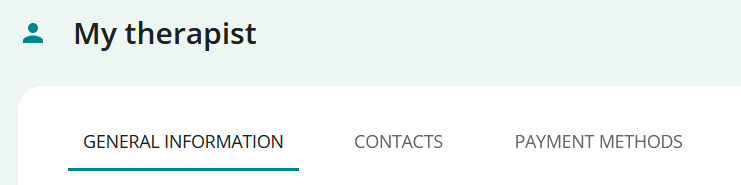
- Click onGENERAL INFORMATION > View your therapist’s professional data and information about the practice
- Click onCONTACTS > View your therapist’s contact information (email, phone number)
- Click onPAYMENT METHODS > view the payment methods entered by your therapist
- Click onGENERAL INFORMATION > View your therapist’s professional data and information about the practice
- Here you can see the sections
