
From the homepage or from the patient list, the therapist has the option to add a new patient to his or her PsyCare patient list by proceeding as follows:
- click on
- in the popup that appears,
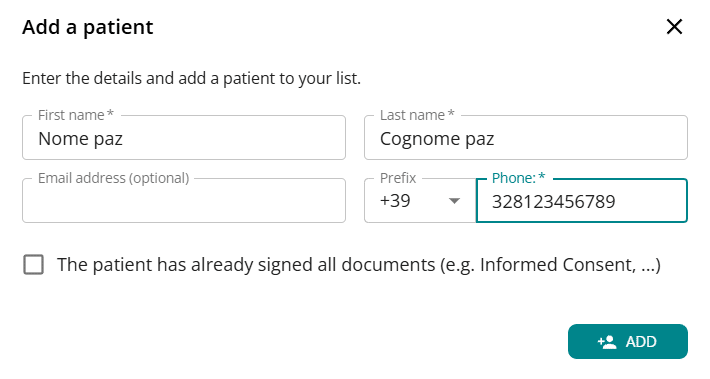
Fill in the patient’s details (*name, surname and telephone number are required). - Click ADD to save the data
- proceed by selecting one of the immediately available options
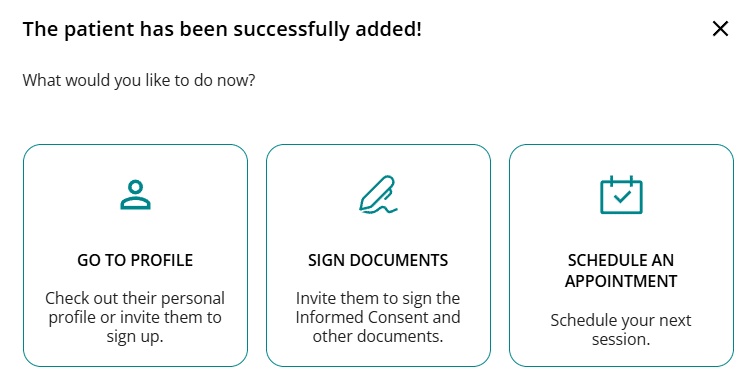
The patient will appear in the patient list and, by accessing their profile (simply clicking on their name), they can proceed with the registration invitation, even at a later time.
In the PATIENTS section you can see the LIST PATIENTS in PsyCare, both those already invited and those added.
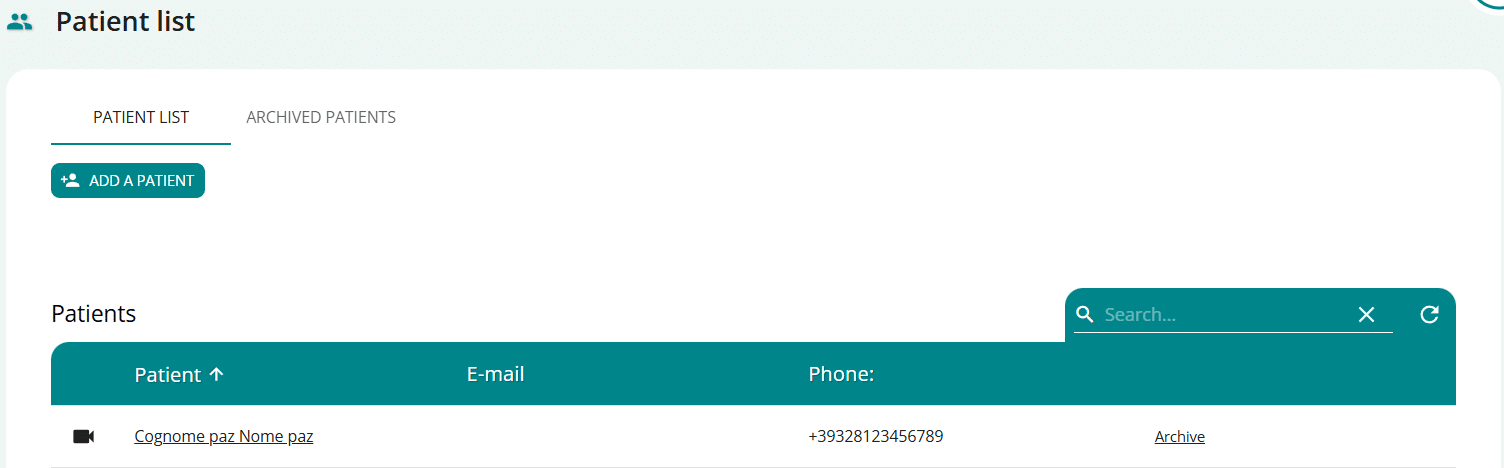
You can invite the patient you have added to the platform to register by simply clicking on his name and accessing the patient profile:
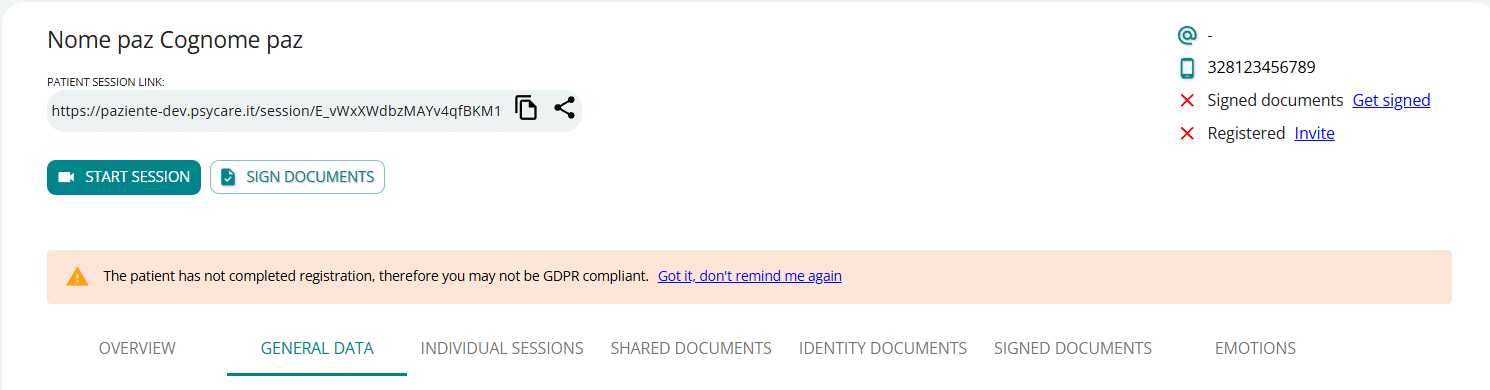
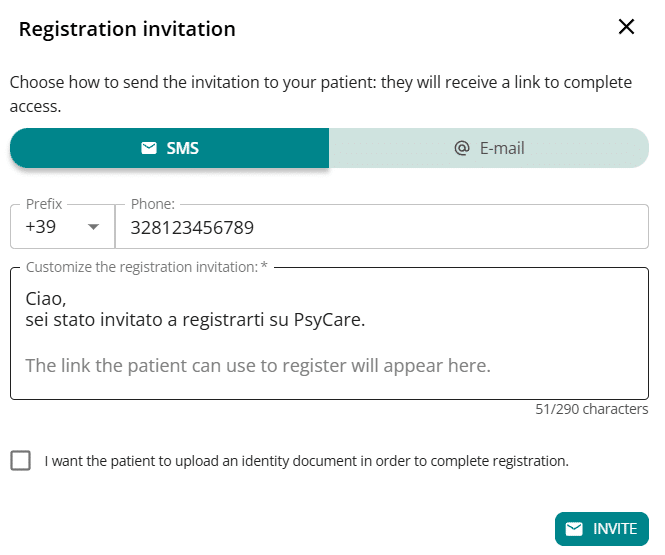
- click on Invite to register and select the type of invitation you want to forward
- via SMS
- via email
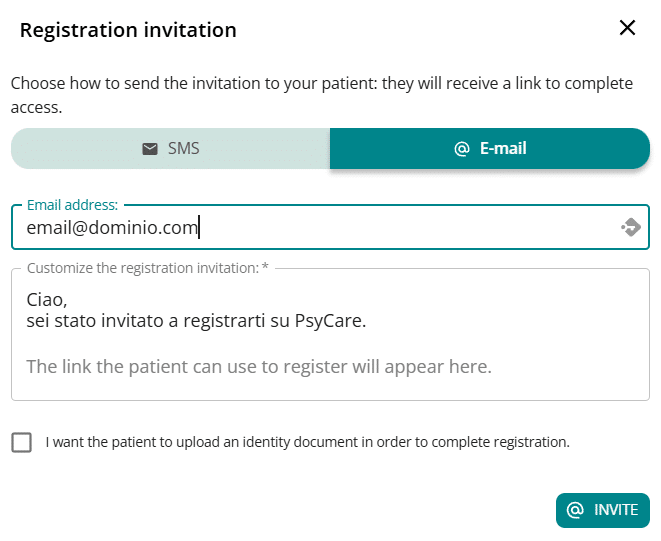
- After entering your mobile number or email address, remember to
select, if necessary, the option relating to the identity document. - Click ‘INVITE’ > your invitation has been sent; a banner will notify you of its status.
